Settings, motion blur and performance
No dedicated motion-blur toggle: it's force-enabled on Medium and higher, so the standard fix is the Low graphics preset. Camera sway, camera shake and breathing volume each have their own slider (added February 15, 2026). There's still no inverted-mouse option.
Anomaly Company's options menu is honest but thin: a graphics preset, audio controls, and three comfort sliders added in the first month of Early Access. Here's what to change, what's still missing, and what your machine needs to run it.
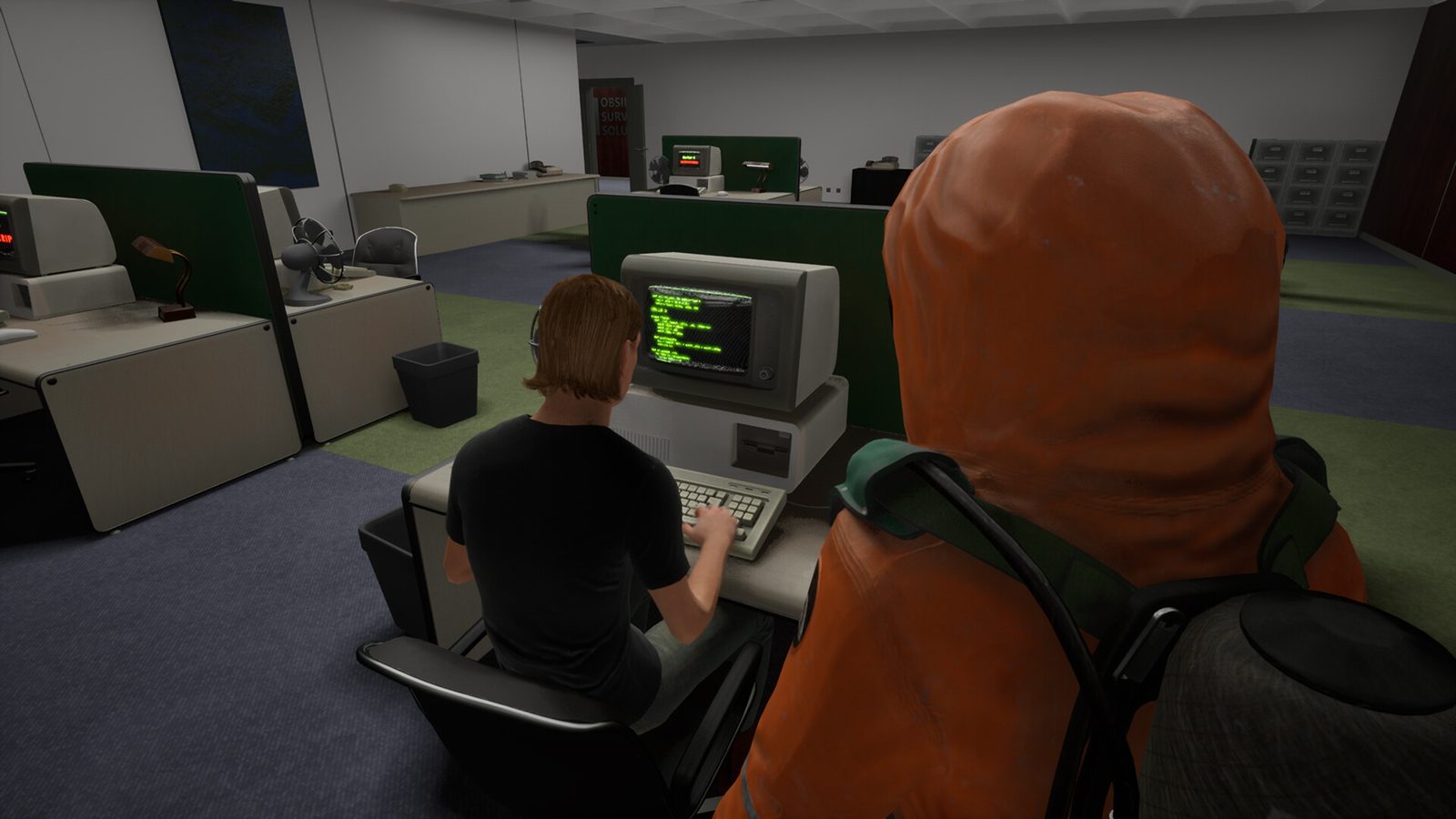
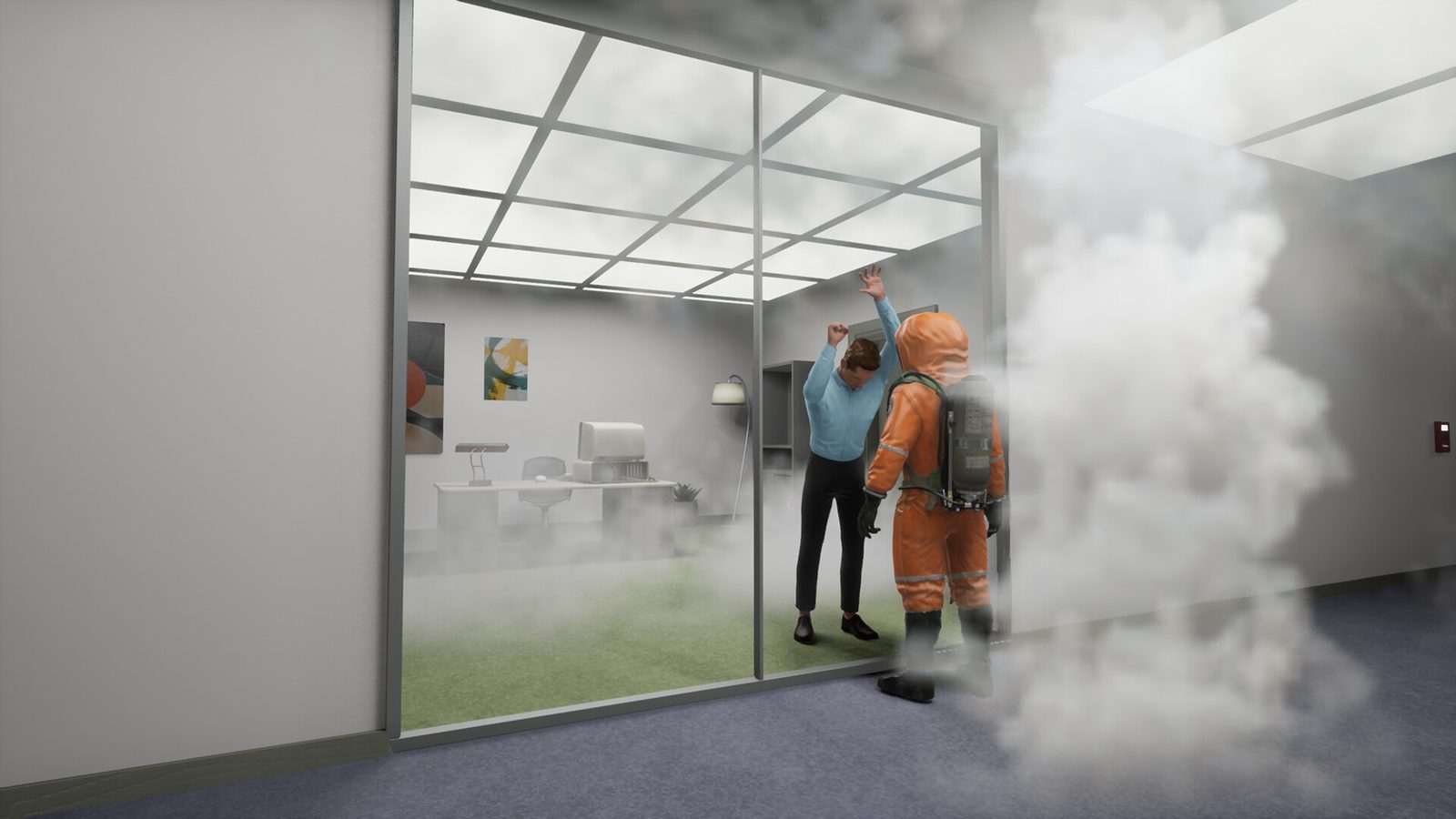
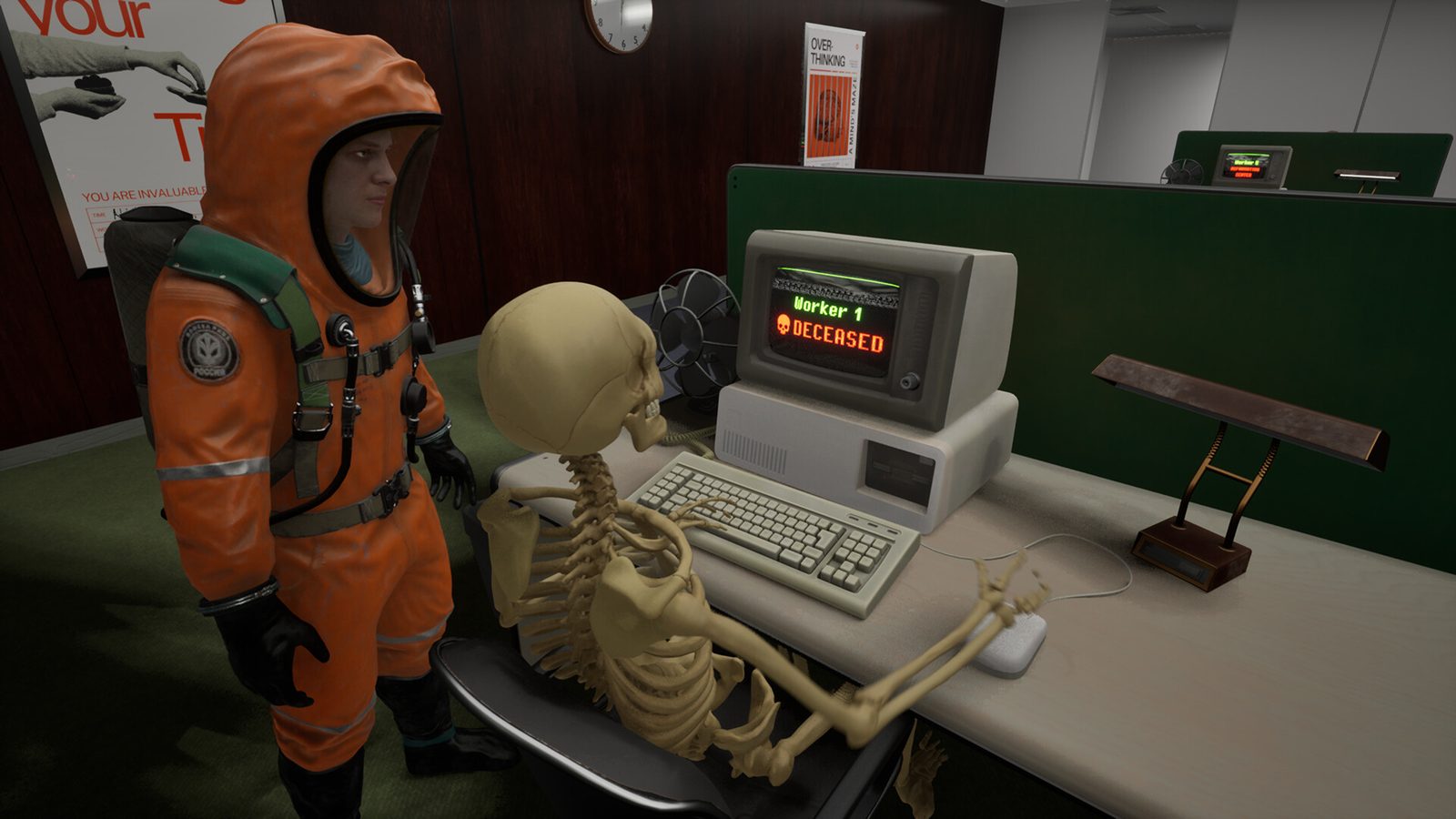
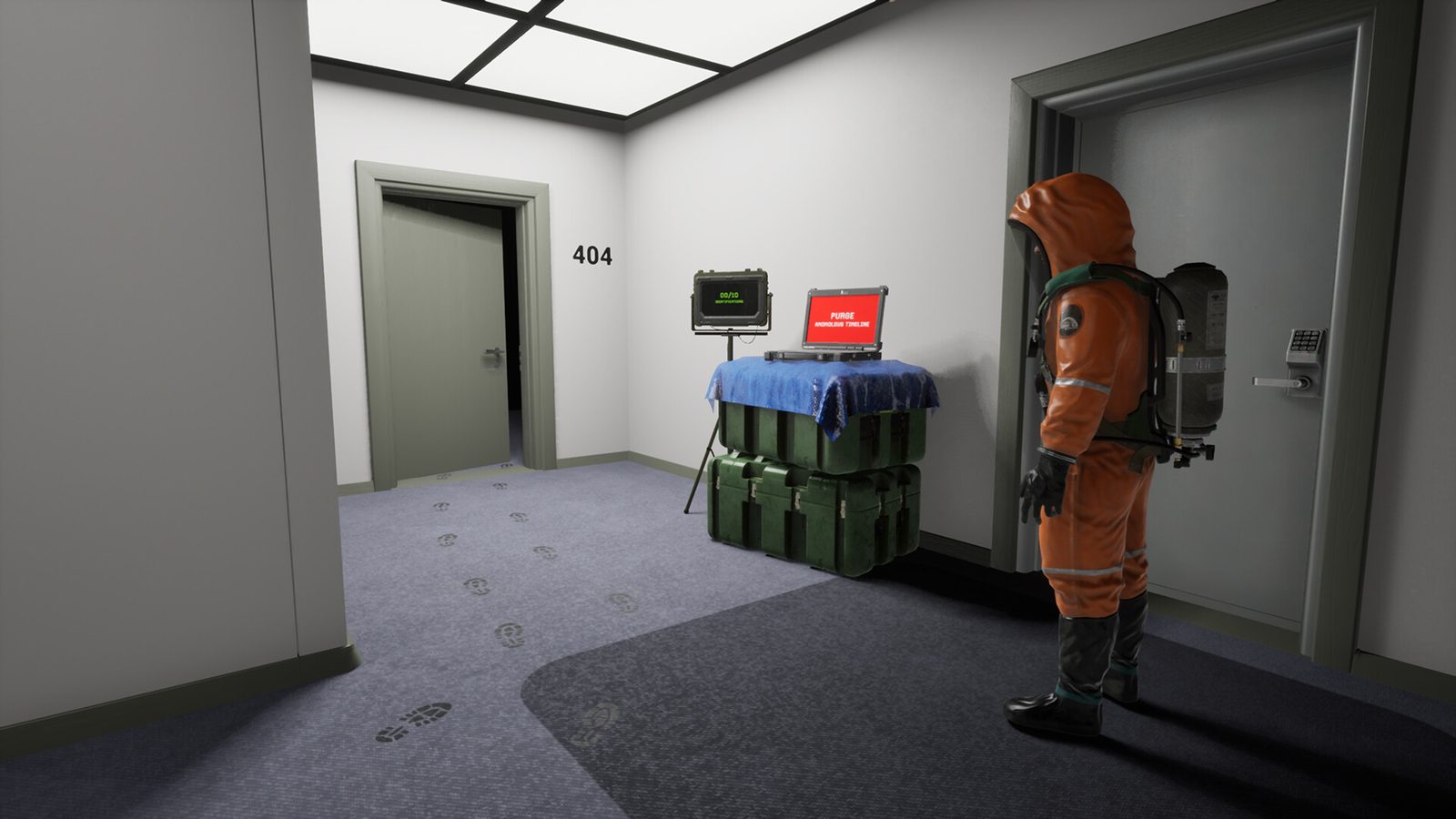
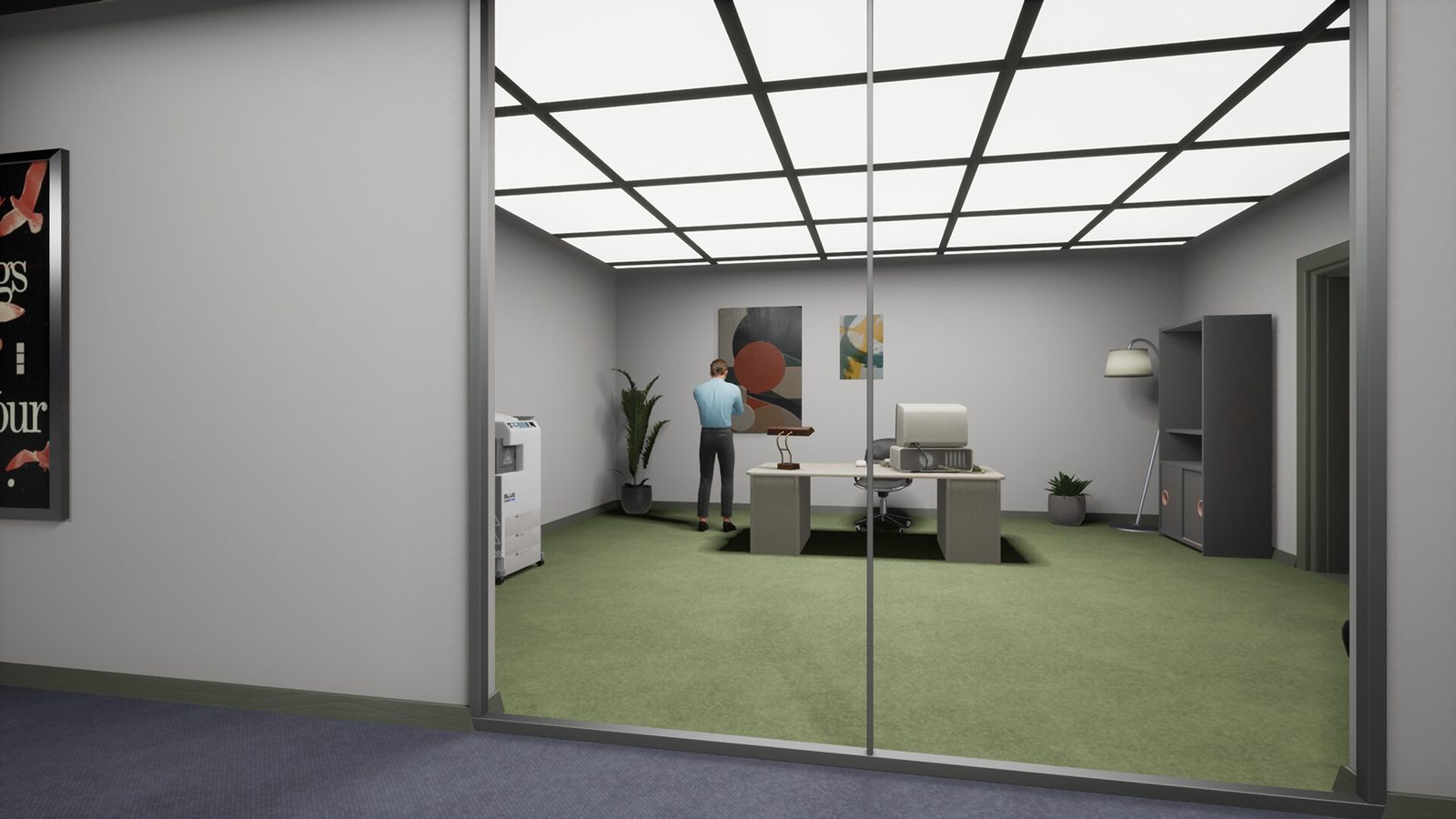
Official screenshot from the game's Steam page — the office workstations. The game asks a lot less of your PC than of your memory.
The settings worth changing
- Camera sway — the walking bob that some players can't stomach. Added February 15, 2026 after player feedback; turn it down first if walking around makes you queasy.
- Camera shake — the wobble on scares and impacts. Same patch, same logic.
- Breathing volume — your character breathes loudly under stress. If that's the thing keeping you tense in a bad way, this slider is your friend.
- Graphics preset — the master performance lever, and for one particular reason: motion blur (below).
Motion blur: no toggle, one workaround
There is no dedicated motion-blur switch, and players have been loud about it since launch. Community testing found the reliable fix: motion blur is force-enabled on the Medium preset and higher, and effectively gone on Low. So if turning makes the world smear, drop quality to Low before you fight the rest of the menu. Some players argue what they're seeing is screen tearing rather than blur — either way, Low is the settings move that removes it.
Missing options players keep asking for
- Inverted mouse. Not in the game as of September 2026. There's a dedicated discussion thread on Steam, and players have even tried to add a community user-tag ("no inverted mouse setting") so future buyers can see the limitation before paying. If you need y-axis inversion, this game doesn't have it yet.
System requirements (from the store page)
| Component | Minimum |
|---|---|
| OS | Windows 10 64-bit |
| Processor | Intel Core i5-4590 / AMD Ryzen 5 2600 |
| Memory | 4 GB RAM |
| Graphics | NVIDIA GTX 970 / AMD Radeon R9 390 |
| DirectX | Version 11 |
| Storage | 2 GB available space |
| Network | Broadband Internet connection |
The developer's own note adds that it "may work with even lower specs."
If it runs badly
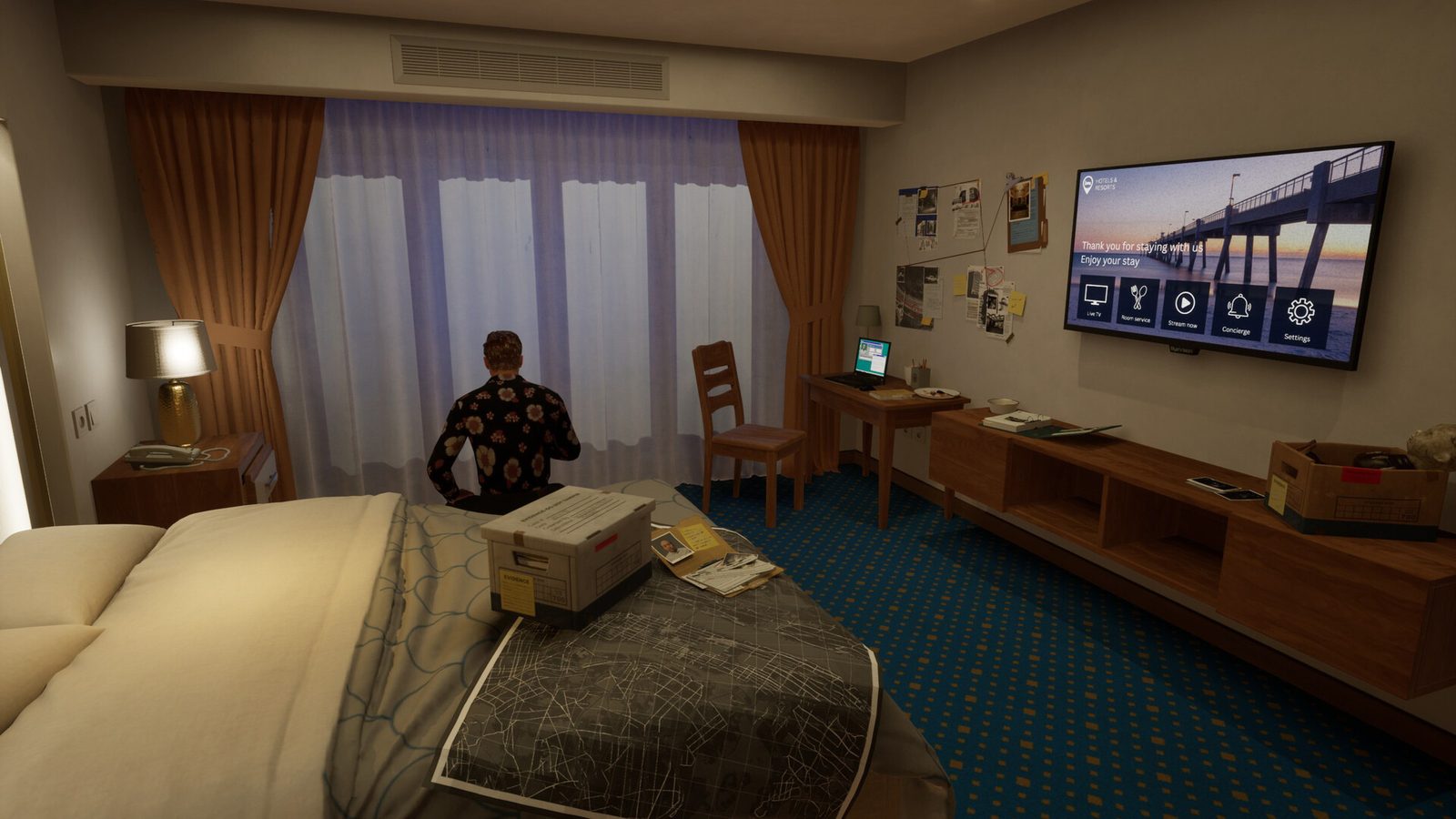
The Hotel is the stress test — it shipped heavier than the other maps and got a dedicated performance patch (2026.1.3) the day after release, which the developer says targeted "higher FPS and a smoother overall experience, especially on mid-range systems." If your frames dip, work in this order: graphics preset down a notch, then the GPU driver's frame cap, then resolution.
What's still missing (and why it matters)
Two gaps stand out for a 1.0 game: no inverted-mouse support, and no in-game motion-blur toggle — both long-running requests, both still open. The comfort sliders show the developer does act on feedback, so if either one bites you, the Steam discussions are where these changes get pushed.