How to play Anomaly Company
The loop: learn a floor's anchors, walk it twice, call out anything that contradicts your memory, and only then commit to the safe-or-purge call. Learn the Office first, keep our anomaly checklist open, and treat every run like a memory test — because it is one.
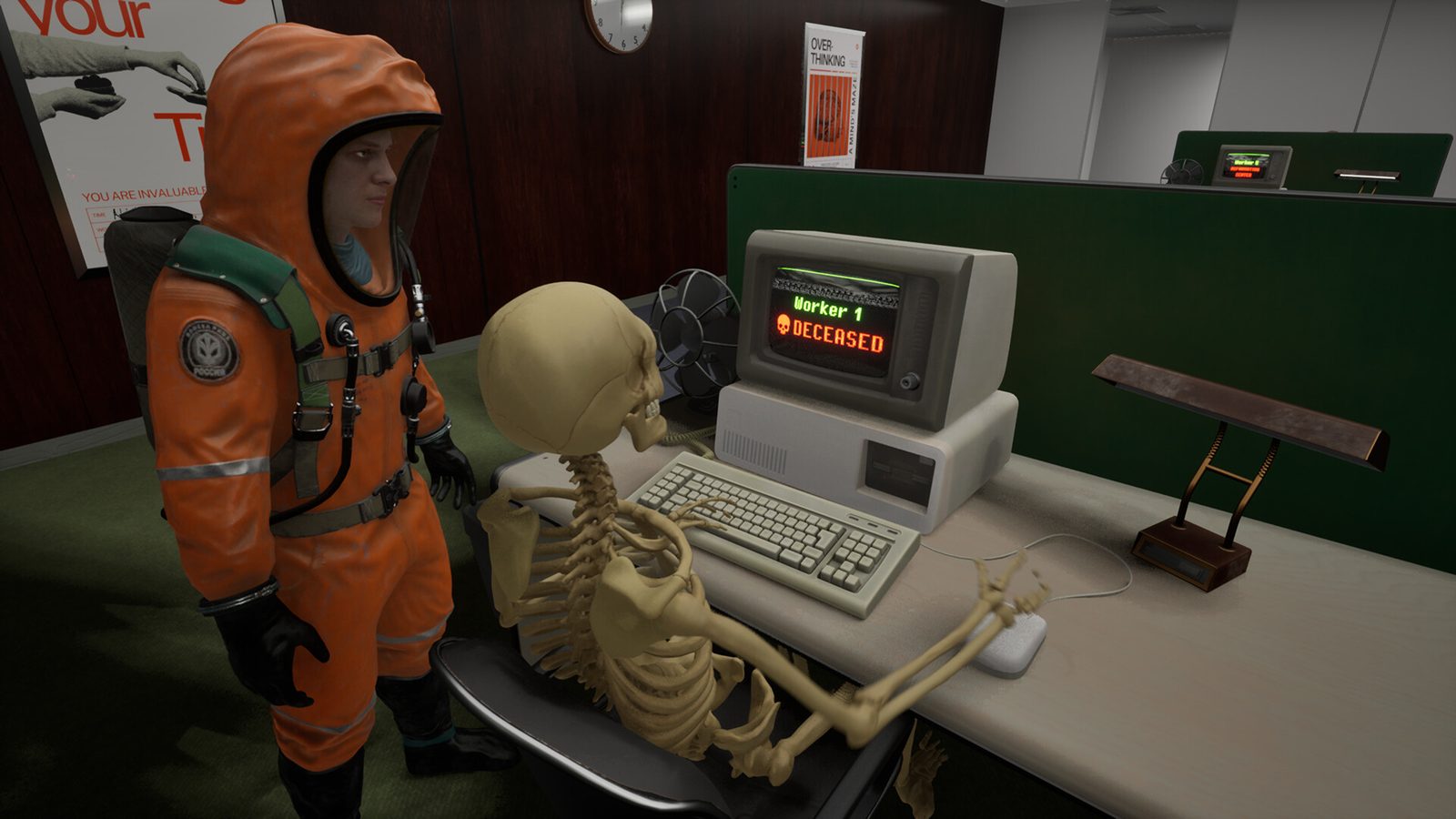
Anomaly Company looks like a horror game and plays like one for about ninety seconds — then it turns into something closer to spot-the-difference against your own memory, with your friends shouting over each other about whether the lobby always had four chairs. That's the whole game, and it's harder than it sounds.
What the loop actually rewards is patient observation, clear callouts, and trusting the checklist instead of vibes.
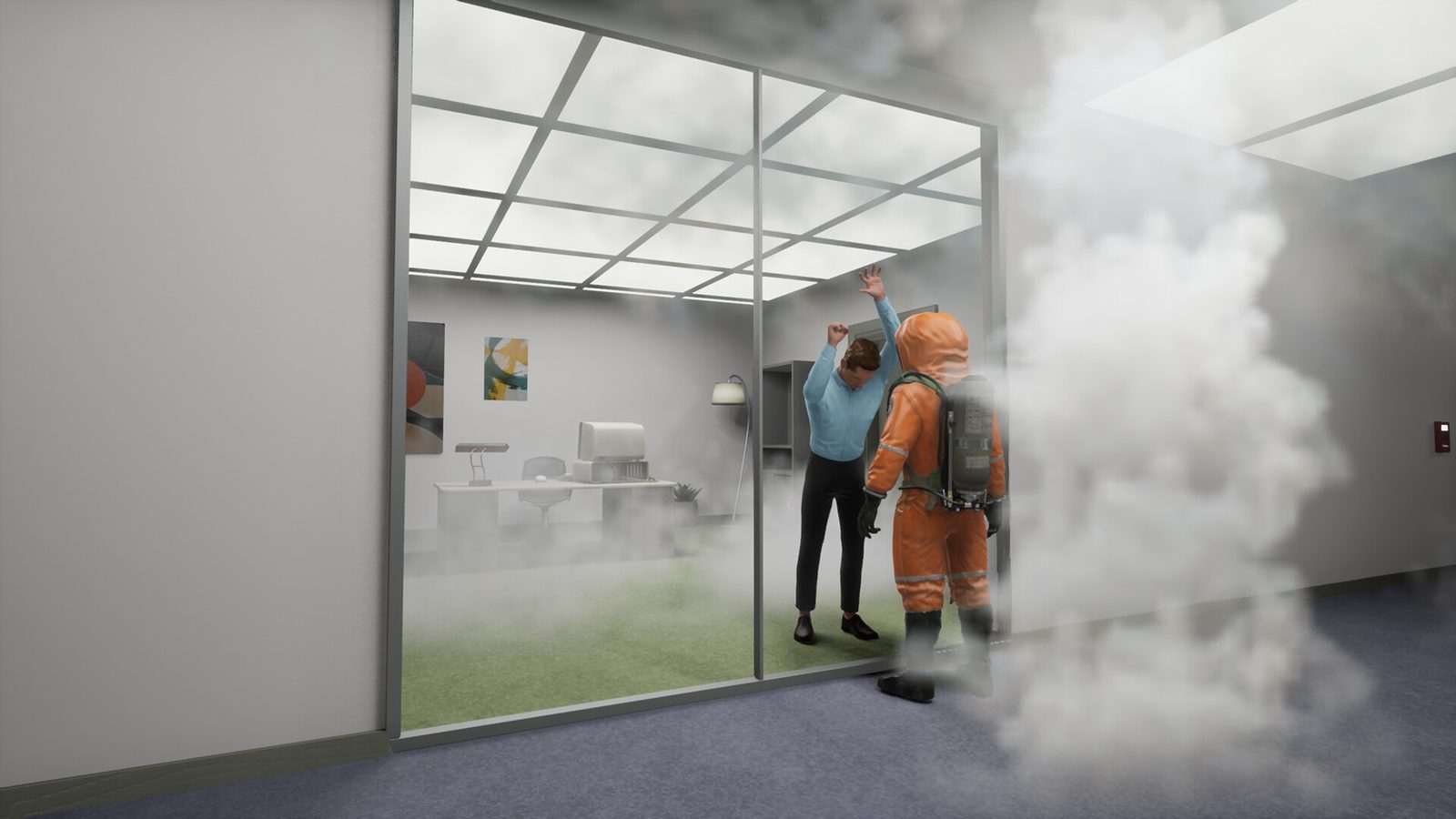
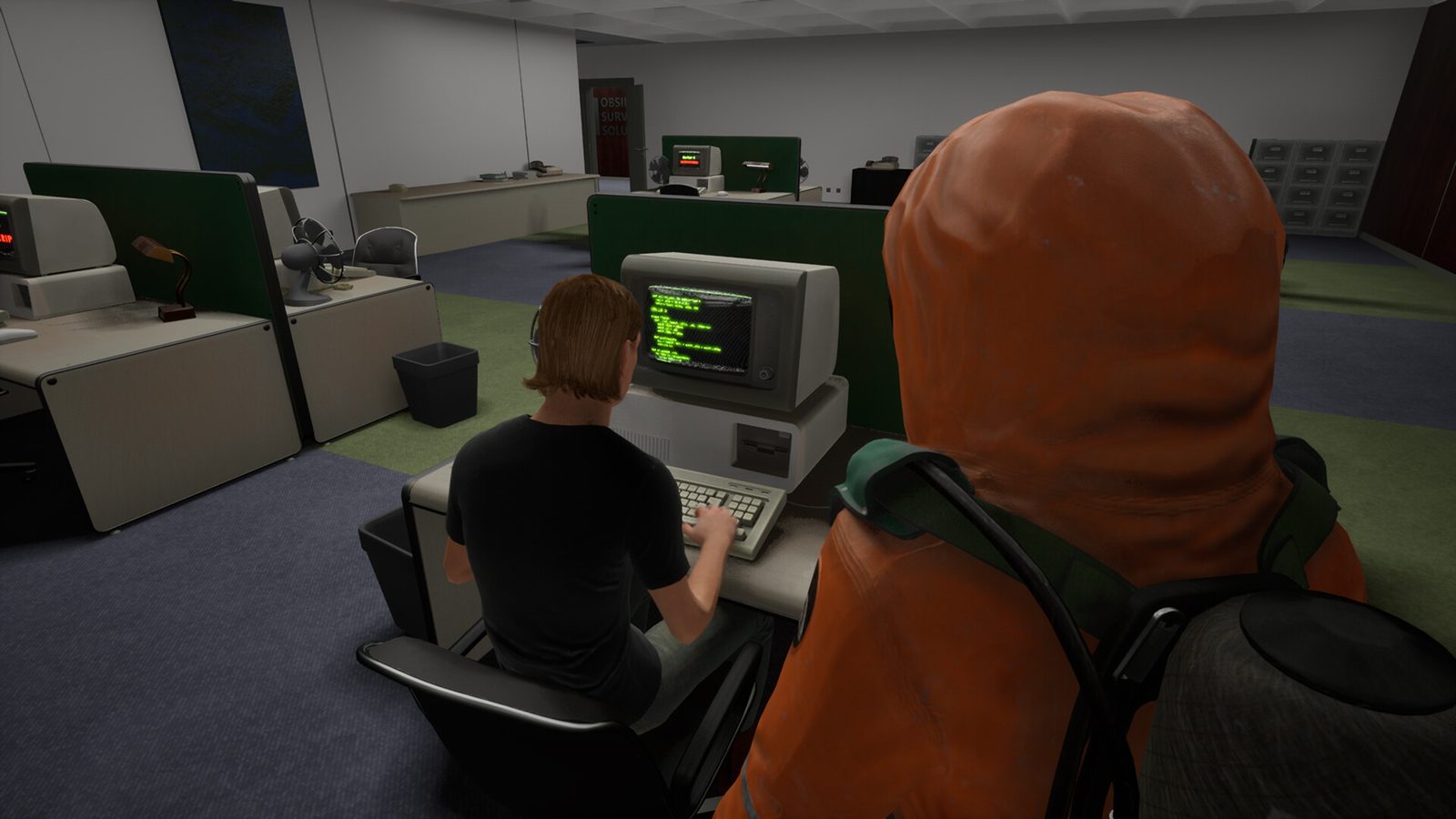
Official screenshot from the game's Steam page — an office floor mid-gas-anomaly.
The assess-and-purge loop, step by step
- Spawn and study. Each shift drops your crew into a floor that is, for the moment, normal. Before touching anything, walk the main route once and lock in the anchors: how many chairs, which posters are where, what the elevator is doing.
- Patrol and compare. The second pass is the real game. You're not looking for anything specific — you're looking for something that contradicts the version of the room you just stored.
- Call it out. Found something? Say the number and the spot — "lobby, chair count, three instead of four." Let the crew agree on what you're seeing before anyone acts on it.
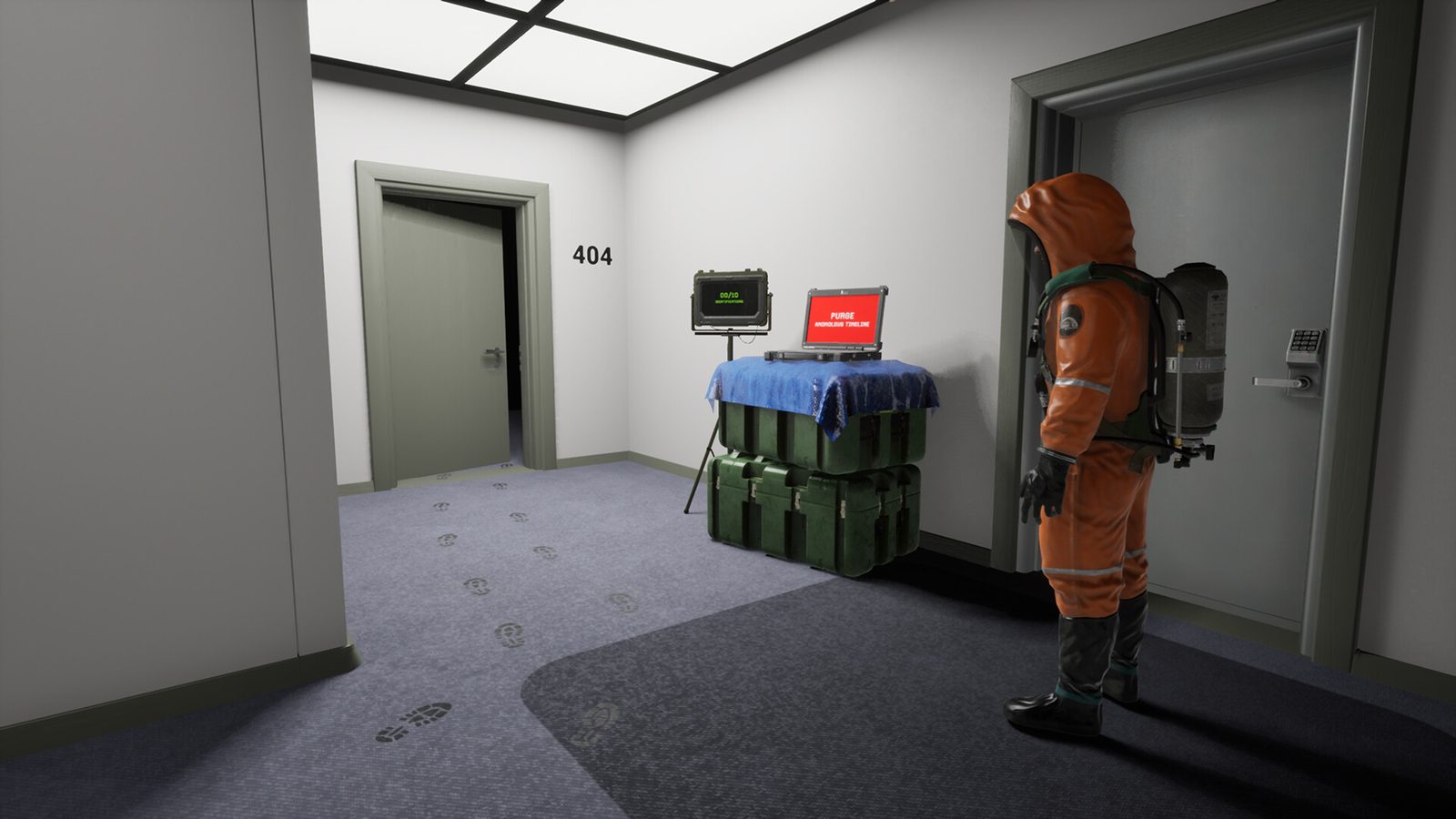
- Commit to the call. When the crew is confident in its read, make it: a timeline that's been tampered with gets purged; a clean one doesn't. The game doesn't grade on a curve — a wrong call sends you back to the start of the shift.
Learn one floor first
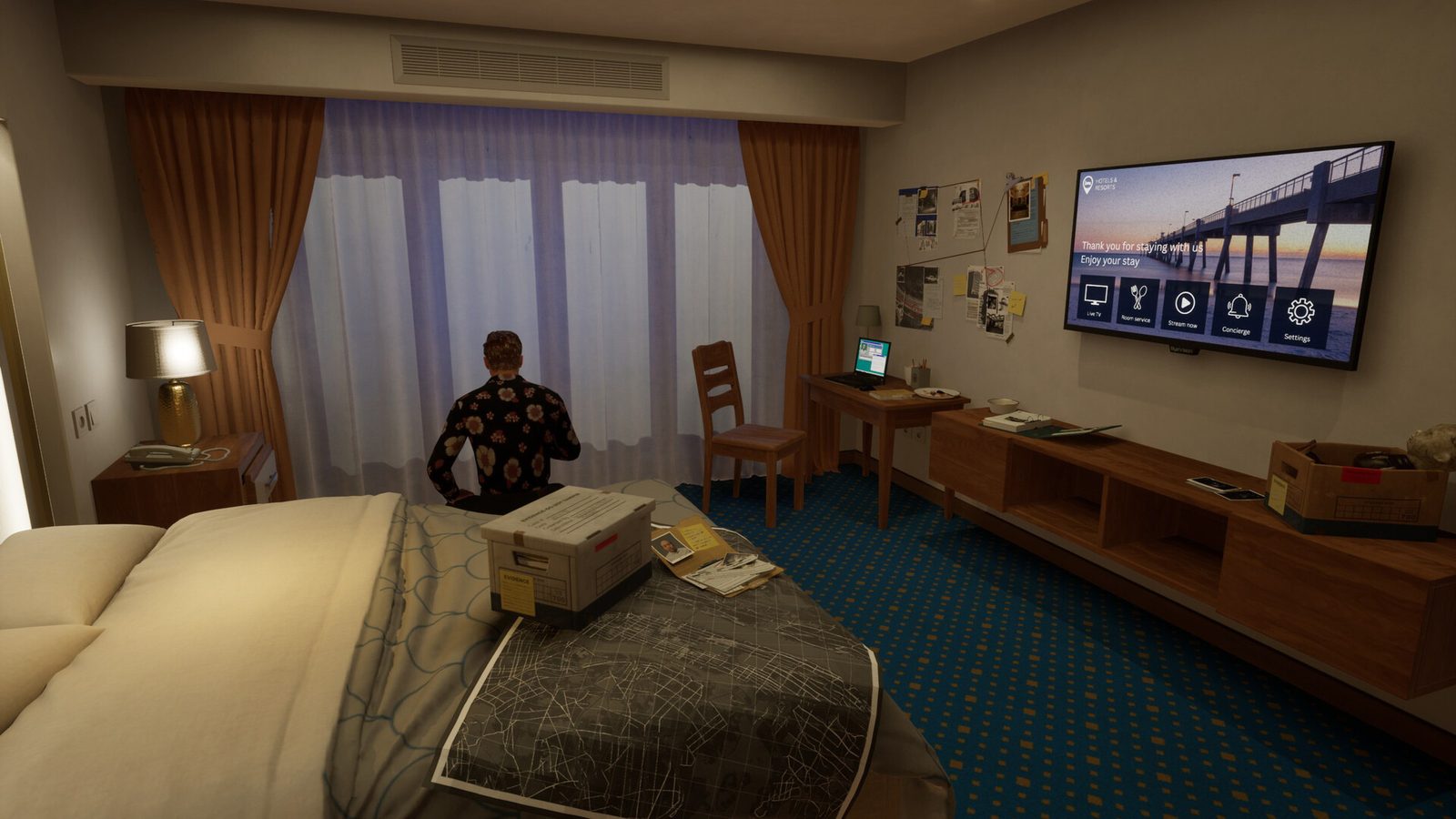
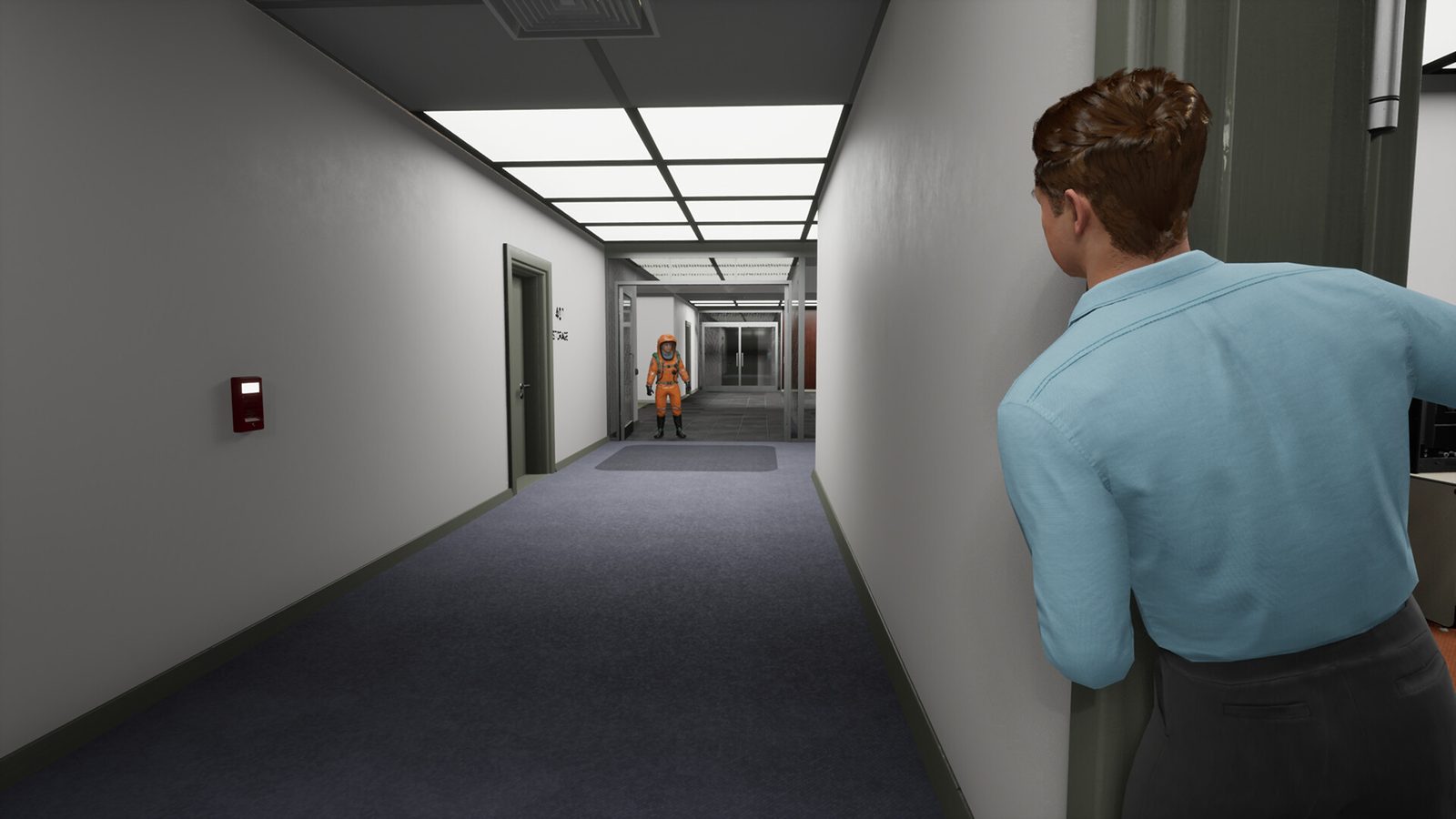
Anomaly Company currently ships with two maps, and they teach different lessons. The Office is the friendlier classroom: five areas, wider sight lines, and 50 known anomalies that are mostly object swaps you can practise on. The Hotel tightens the corridors, hides more of its tricks in subtle model swaps, and ends its routes with something chasing you — save it for your second or third session.
One practical trick: the game supports solo play, so you can host a private session and walk a floor alone until the anchors are boring. Boring is the goal.
What to memorise (and how)
- The objects repeat — learn the cast, not the scene. The game swaps from a fixed cast of set dressing: chairs, plants, posters, clocks, lamps, luggage, signs. Count them, then compare them.
- Look up, and look behind. Some of the meaner anomalies live exactly where players never look — up at the light, or on top of the armoire.
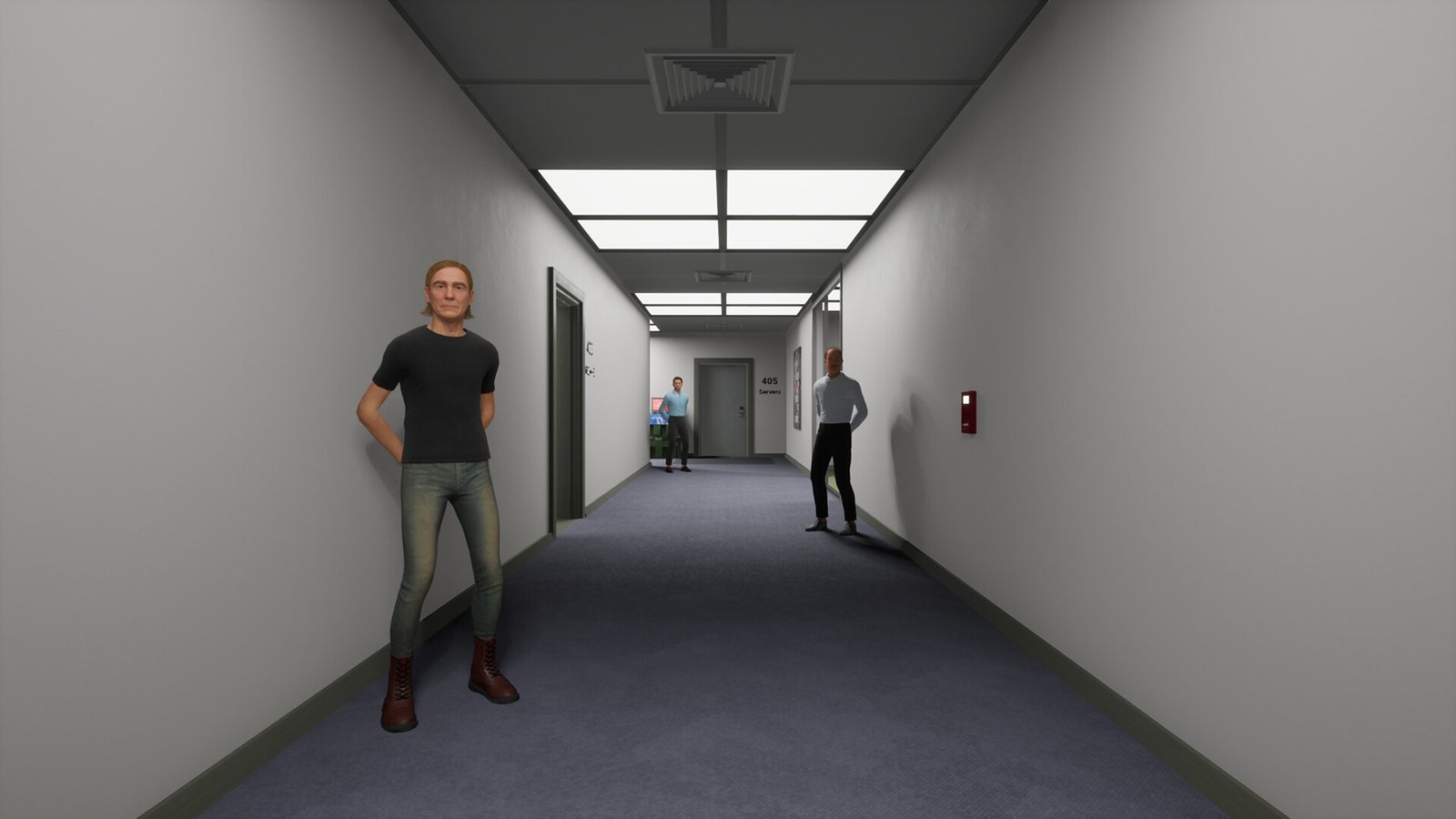
- Numbered doors are the map. 404, 405 and 406 in the office; 301–311 in the hotel. If an anomaly's story centres on a location, it's usually a door number — and "all the room numbers swapped" is itself one of the anomalies.
Playing with friends (or not)
It's 1–4 player online co-op — no split-screen, no local play. The password-protected lobby system added in the first patch makes it easy to run private sessions with a consistent group. Two habits pay off:
- Split, then overlap. Cover opposite ends of a floor first, but re-check each other's zones before a purge call — solo observers miss the obvious.
- One caller per room. Overlapping sentences slow every check down. Let each person finish their callout before cross-talk starts.
Do this before your first shift
- If motion blur bothers you, set graphics quality to Low — there's no dedicated toggle (it's force-enabled on Medium and higher). Camera sway, camera shake and breathing volume each have their own slider.
- There's still no inverted-mouse option — a long-running community request.
- Keep the Office checklist open on a second screen. Cross-checking isn't cheating; it's how the community plays.